Secure multi-agent workstation

Your agents should be
sandboxed, orchestrated,
and vendor-independent.

LINCE turns your terminal into a multi-agent engineering workstation. Run Claude, Codex, Gemini, or any coding agent in parallel — each one sandboxed, monitored, and controllable by voice. No vendor lock-in.

$ curl -sSL https://lince.sh/install | bash

Linux (fully supported) · macOS (experimental) · Windows (planned)

What's new

Three-level sandbox model across all agents

Every supported agent — Claude, Codex, Gemini, OpenCode, Pi — now runs at three discrete sandbox levels (paranoid / normal / permissive), with ephemeral scratch homes for paranoid and an install-time picker for which variants you want.

Read the changelog →

Why LINCE?

🛡

Agents need sandboxing

AI coding agents get full terminal access. Without isolation, one bad command can reach your SSH keys, cloud credentials, or git push to production. LINCE lets you sandbox each agent with multiple backends — and choose per-agent at runtime.

🎯

Orchestrate, don't babysit

Run multiple agents in parallel across different projects. The TUI dashboard shows real-time status, token usage, and active tools. Spawn, focus, hide, kill agents with single keystrokes.

🎙

Whisper to any agent

Speak and your words are transcribed locally via Whisper, then routed to whichever agent has focus. No audio leaves your machine. Works with any agent, not just one vendor.

🌐

No vendor lock-in

Your workflow and security should not depend on a single vendor. LINCE supports Claude Code, Codex, Gemini, OpenCode, Aider, Amp — and any custom agent via config. Switch freely.

The Dashboard

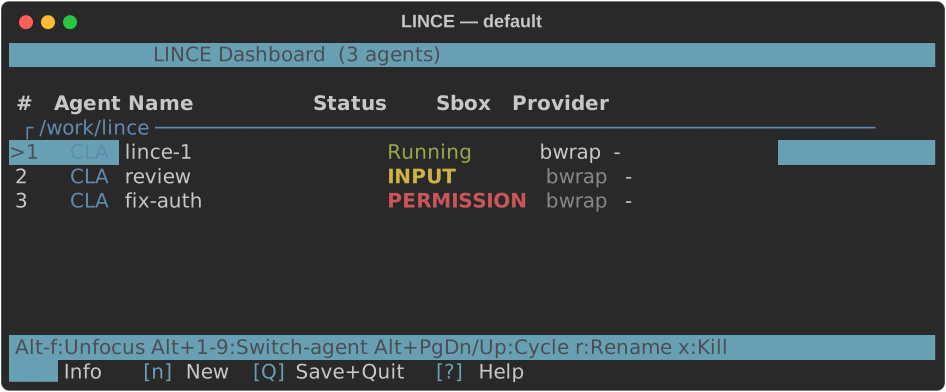
A Zellij WASM plugin that acts as your command center. Config-driven — add new agent types with TOML, no code changes.

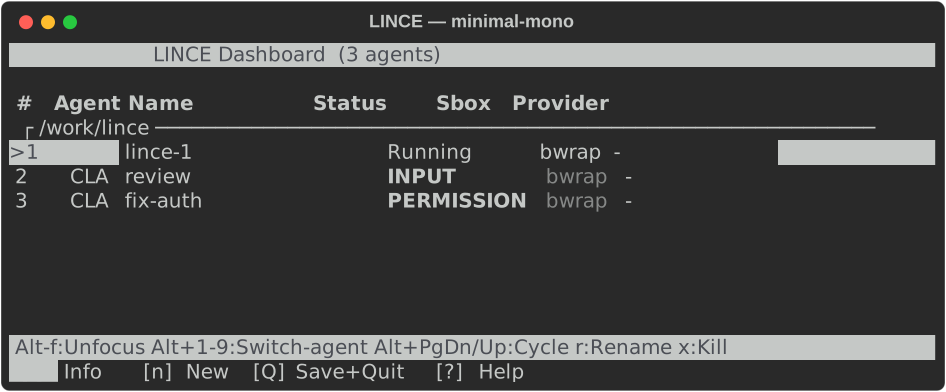
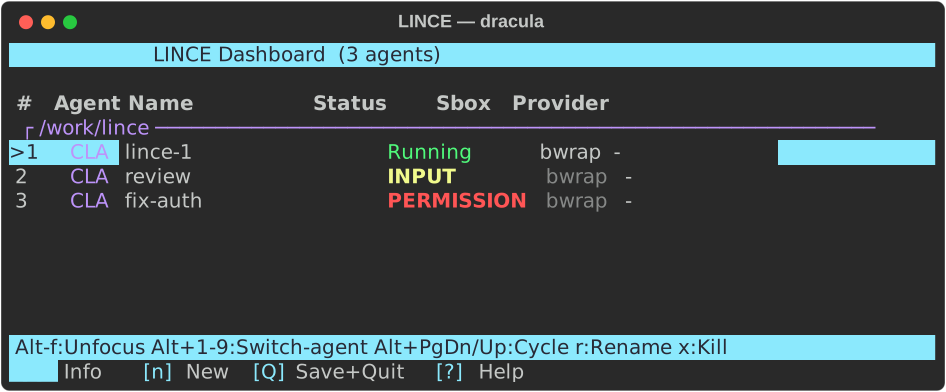
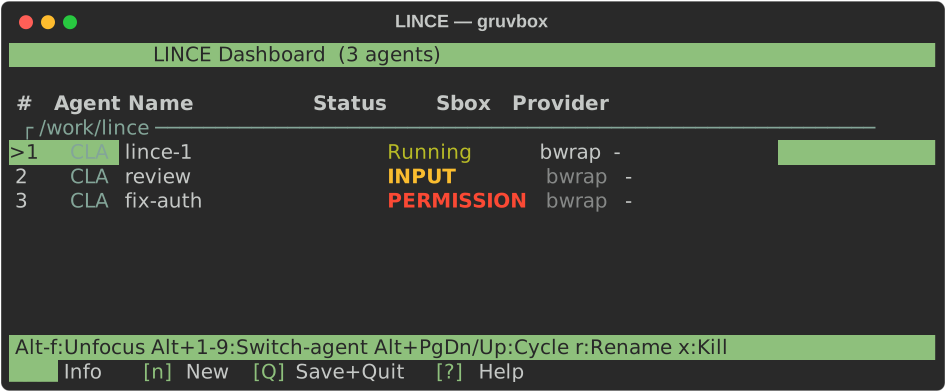
LINCE Dashboard - showing multiple agents running in parallel with status, sandbox, and profile columns LINCE Dashboard - detailed view showing agent info panel and Claude Code interaction

Multi-agent

Multiple agents in parallel. Claude, Codex, Gemini, OpenCode, or custom.

Session persistence

Save and restore your agent constellation across sessions.

Voice relay

VoxCode transcriptions piped directly to the focused agent.

Sandbox isolation

Choose a sandbox backend per agent at launch — or run unsandboxed when you need full host access.

Swimlane grouping

Agents auto-grouped by project directory when working across repos.

Config-driven

Add agents via TOML. No code changes, no recompilation.

Install

One-liner

$ curl -sSL https://lince.sh/install | bash

Interactive wizard: detects your OS, installs prerequisites, sets up sandbox + dashboard. Offers optional VoxCode voice input.

Manual

$ git clone https://github.com/RisorseArtificiali/lince
$ cd lince/sandbox && ./install.sh
$ cd ../lince-dashboard && ./install.sh
$ source ~/.bashrc && zd

Clone, install sandbox + dashboard, launch. See QUICKSTART.md for details.

Linux

Fully supported. Tested on Fedora, Ubuntu, Arch.

macOS

Experimental. Sandbox via nono (Seatbelt). Looking for testers.

Windows

Planned. WSL2 likely works today. Tracking issue.

How it works

You speak    ───>  VoxCode      ───>  Whisper transcribes locally
                                     │
                              Dashboard  <───  routes to focused agent
                                     │
                            agent-sandbox  <───  isolates execution
                              ├── bwrap├── nono   ├── choose per agent
                              └── none   ┘
                              ┌──────┼──────┐
                         Claude   Codex   Gemini   ...any agent
                              │      │      │
                           project/ project/ project/

Read the full documentation for CLI reference, configuration options, and security model.

Sandbox Backends

The installer configures which backends are available. Each time you launch an agent, you choose which one to use.

bubblewrap

Linux only

Same technology as Flatpak. LINCE's built-in sandbox — minimal by design, zero external dependencies. Battle-tested, zero overhead.

nono

Linux & macOS

Newer alternative. Integration with nono.sh, an external project focused on security including network isolation. Uses Landlock on Linux, Seatbelt on macOS. Brings some additional dependencies.

Unsandboxed

Any platform

No isolation. The agent runs directly on your system with full host access. Use for trusted tasks where you need unrestricted access to the host environment.

Repositories